 Kloora
All tools / Grades and practice
GPA and CGPA Calculator
Add your courses and grades to see your semester GPA and updated CGPA.
- Result updates as you choose
- Adds earlier semesters for CGPA
- Shows the grade scale it uses
Semester GPA
Add each course with its credit hours and grade. Uses the common 4.0 scale.
CGPA (add previous semesters)
How to use it
- Add each course with its credit hours.
- Choose the grade for each course.
- Read your semester GPA.
- Enter your previous CGPA and credit hours to see the new CGPA.
Questions
How is GPA calculated?
Multiply each course grade points by its credit hours, add them up and divide by the total credit hours.
How do I calculate CGPA?
Add your quality points from all semesters and divide by the total credit hours. This tool does it from your previous CGPA and credit hours plus the new semester.
Which grade scale does it use?
The common 4.0 scale, where A is 4.0 and B is 3.0. Your university may use slightly different values.
More tools
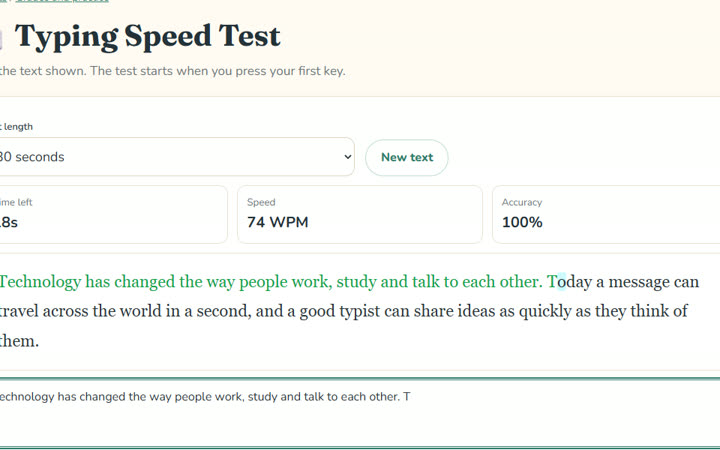
Typing Speed Test
Type the text shown. The test starts when you press your first key.
Watch and try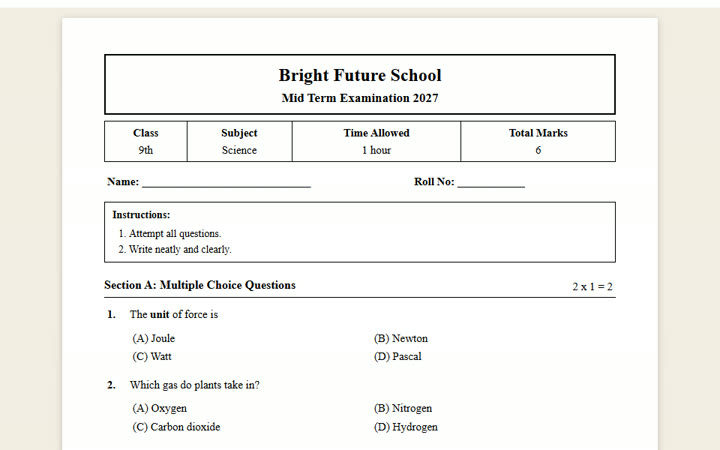
Exam Paper Maker
Choose a template, fill in the header, paste your questions. Numbering, bold headings and marks are done for you.
Watch and try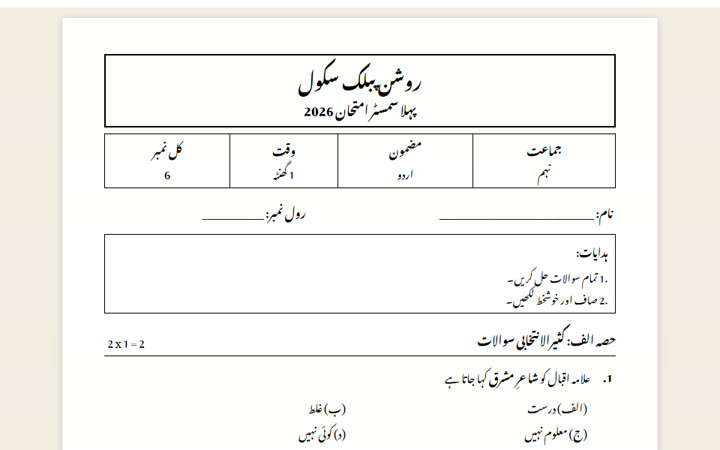
Urdu Exam Paper Maker
Urdu question paper with right to left layout, Nastaliq font, automatic numbering and marks.
Watch and try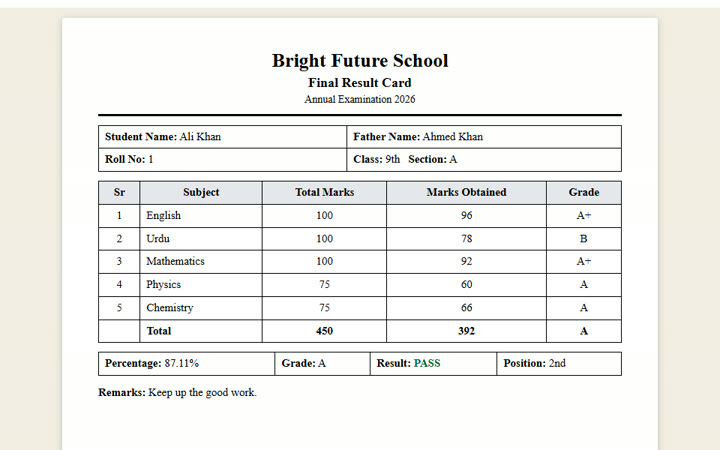
Marksheet and Result Card Maker
Enter subjects and marks once. Get a result card for every student, or one class result sheet, with totals, grades and positions done for you.
Watch and try